Clients
Keep contact details and customer history together, so your team has the context it needs before the next job.
- Customer profiles
- Connected jobs and invoices
From the first customer request to the final invoice, BusinessOS keeps the work and the details connected.
Built around the work
Customer information, active work, appointments, and billing belong in the same workspace. Here is what you can do in BusinessOS.
Keep contact details and customer history together, so your team has the context it needs before the next job.
Track work from creation through completion with status, scheduling, notes, and customer details in one place.
See what is on the calendar and keep scheduled work connected to the people and jobs behind it.
Create detailed invoices, track their status, and give customers a link to view what they owe.
Build forms for the requests your business receives and share a public link with customers.
Review incoming appointment requests, update their status, and keep internal notes as your team follows up.
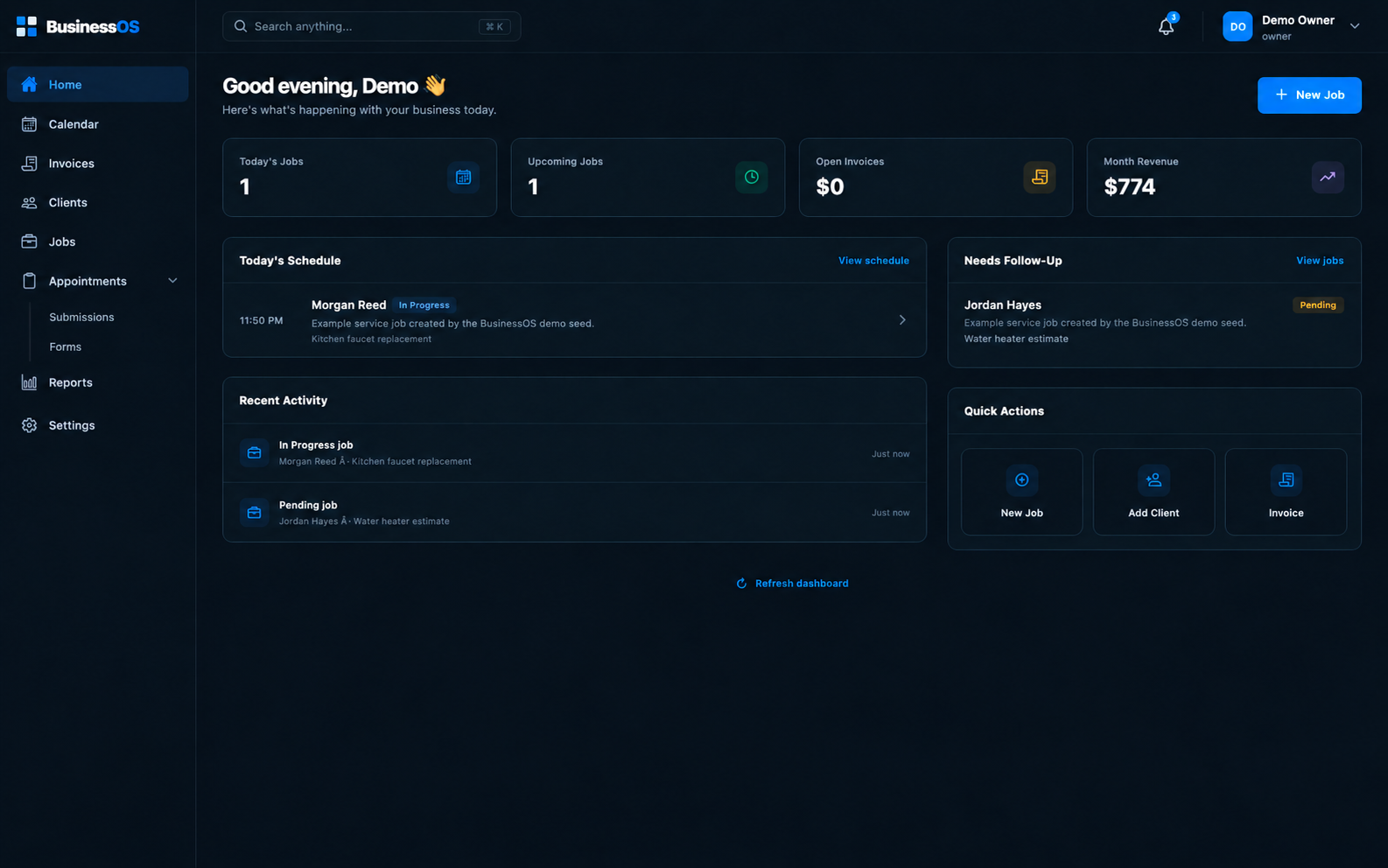
Your day at a glance
The dashboard brings today’s work, upcoming jobs, invoices, and recent activity into view. Your team can move from the overview into the details without losing the thread.
Today
Know what work is lined up.
Next
Stay ahead of what is coming.
Billing
Keep tabs on open work.
Activity
Find recent updates faster.
Made to share
Share an appointment form to collect requests, a job page to show progress, or an invoice link when it is time to review the bill.
Send your form link and collect the details you need.
Let a customer view the progress of their work.
Give customers a direct way to see invoice details.
Create your business workspace and get 14 days to explore BusinessOS.